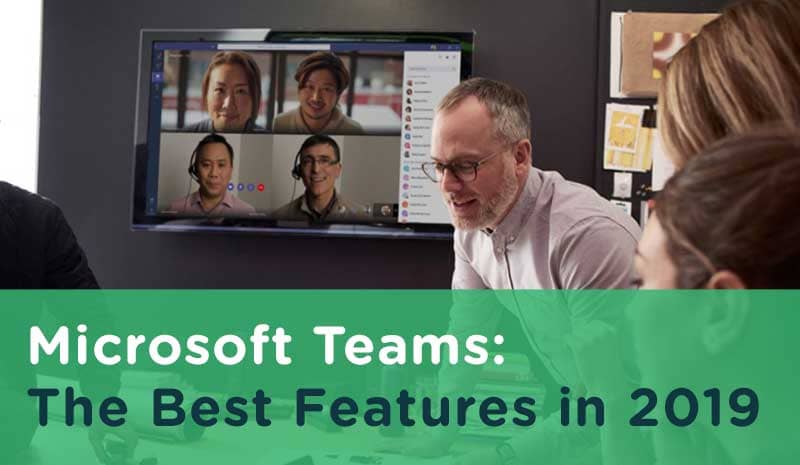
Microsoft Teams is the ultimate collaboration tool for your work. Teams includes:
- Document storage
- Chat
- Online video conferencing
Billed the “secret to successful teamwork”, Teams brings everything together in a shared workspace. Solving today’s complex business problems takes teams of engaged people working together. So, let’s take a look at the best features available now.
1) Integrated with Office 365
Teams integrates with Office 365. This means Word, Excel, Powerpoint, OneNote, SharePoint, and Outlook—are integrated into Microsoft Teams.
This year has brought many improvements to the Office 365 Groups admin experience. With these updates, you can:
- Create teams within a group
- Bring deleted groups back
- Edit the group email alias
- Use sensitivity labels

2) Dedicated chat topic channels
Create channels for groups to share updates with team members. Instant messaging allows you to communicate on-topic to resolve problems faster without distraction.
Each channel includes shared files, a wiki, and channel documents from SharePoint. Within the channel, you can invite people to the conversation by using the @mention function.
3) Reduced email
Does “Inbox Zero” sound like a dream? With Teams, you can route quick questions to resolve issues. Teams promotes feedback and collaboration without the email overwhelm. You’ll stay in the know—without skipping a beat.
Move noisy replies and acknowledgments out of email threads and into quick chats.
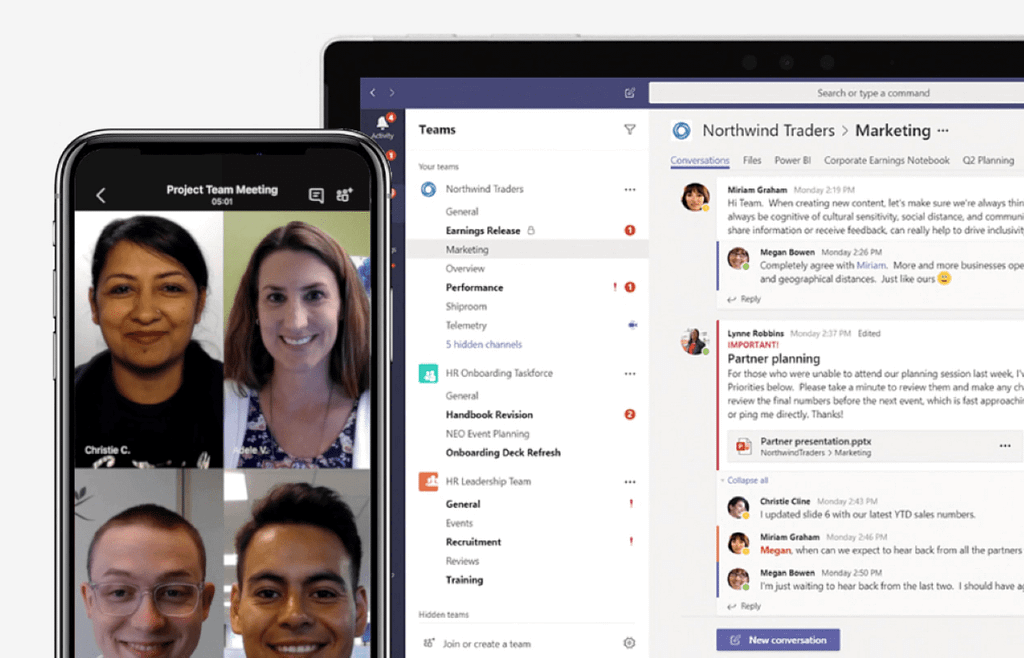
4) Online meetings made easy with Microsoft Teams
With Teams, you can host online meetings with anyone. You’ll have access to features such as:
- Scheduling
- Meeting note-taking
- Screen sharing
- Meeting recording
- Instant messaging
This built-in feature will allow you to simplify your workflow. Then, cancel your subscription to other online meeting tools like Go-to-Meeting or Zoom.

5) Access Microsoft Teams across all your devices
Collaborate or answer team member questions on the go using the Teams’ mobile apps. (iOS, Android and Windows)
Teams provides a simple and easy-to-use app that allows you to chat with your team via text, voice, or video.
6) Secure collaboration
Security is yet another area where Microsoft Teams beats out competitors. Get advanced security controls with Microsoft Teams. These controls include:
- Data loss prevention
- Information barriers
- Retention policies
- eDiscovery
- Legal holds
Meet regulations with help from the compliance capabilities in Microsoft Teams. With these features, you can manage Teams with the controls and granularity you need.

7) Empower your mobile workforce with Microsoft Teams
Teams enables teamwork. Your workforce may not always be in front of a desktop computer. Still, you can foster culture and community by celebrating your team.
Protect data with advanced messaging and security features. Keep your team connected while on the go. Enable team communication with:
- 1:1 and group chat
- Organized channels
- Calling
Allow remote access to documents anytime, anywhere.
8) Search conversations and files
In Microsoft Teams, you’ll be able to find what you’re looking for. With this feature, search by keyword or phrase to find past conversations or files.

9) Microsoft Teams Cybersecurity
Built with the best cybersecurity standards possible, Teams stands out. Although no software can prevent all phishing attempts or ransomware attacks. Teams has stepped up its cybersecurity game. It also features two-factor authentication and encrypted data.

10) Standard or Private Channels
Standard channels are available to all team members in Teams. You’ll find that most channels are set to standard. If you need a smaller, more specific audience—you can use a private channel.
As you can see, Microsoft Teams is an excellent tool for team collaboration. When you have a place to create and make decisions as a team—there’s no limit to what you can achieve. Teams brings everything together in a shared workspace.
If you need Teams or Office 365, please give us a call at 208-901-3350 or email hello@limetreelabs.com. Get your organization communicating—we will do all the set-up and training.